When it comes to our hard-earned money, it’s important to earn as much as we can back on our spending. We are also extremely diligent in choosing which credit cards to pull out for different purchases in order to maximize our return on spending. For most people, I think that’s where the road ends in terms of earning.
However, what if I told you there’s an additional avenue of earning a return on your spending that doesn’t even require a new credit card or much effort on your part?
Enter the Capital One Shopping Portal. While the name might suggest it’s reserved for those who hold a Capital One credit card, it is actually available to everyone! Let’s take a deep dive into how the Capital One Shopping Portal works and whether you should be using it for your next purchases.
What is Capital One Shopping?
Despite its branding, Capital One Shopping has nothing to do with Capital One the bank. In fact, it began its journey as WikiBuy. At its core, it is simply another shopping portal where you click through to select retailers to apply coupons and/or earn points/cashback on your purchases.
Capital One Shopping is open to everyone, regardless of whether you have any accounts open with Capital One in Canada or the United States. By making purchases at retailers available on the website, surfing the web with the browser extension installed, or using their dedicated mobile app, you can earn credits that can be used to redeem gift cards (instead of cash back). If you have used the Aeroplan eStore and Rakuten, it is the exact same concept!
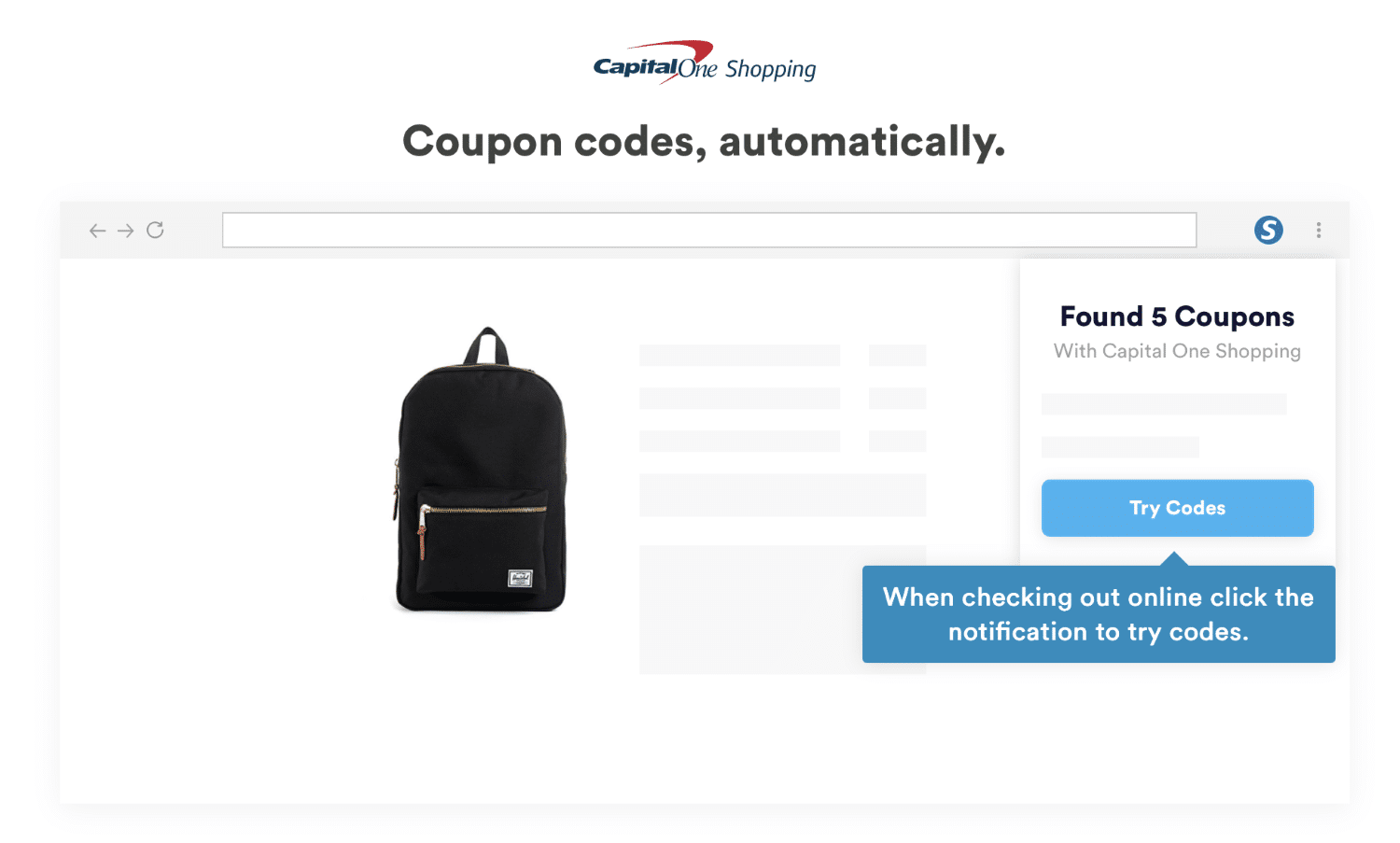
The Capital One Shopping browser extension also looks for coupons that it can apply to your purchases at checkout, much like the Honey extension.
A Quick Note About Canada vs. US Capital One Shopping
It is very important to note that there are two versions of Capital One Shopping: one for the US and one for Canada, Australia, and the UK. They are not the same, and the offers that you see will not be the same!
Unfortunately, the offers available through Capital One Shopping in Canada pale in comparison to those in the United States in terms of return on spend. The retailer choices, especially for hotels, are much more limited on the Canadian side. It is very important to know this distinction when signing up for your account (although there isn’t anything stopping you from making two different accounts with different emails and installing the extension on two separate browsers).
How to Use Capital One Shopping
To begin, visit the Capital One Shopping website and create an account. You will be asked to select a country from the dropdown menu (Canada, Australia, or the United Kingdom) or click on change country to get to the United States version. More on the location later.
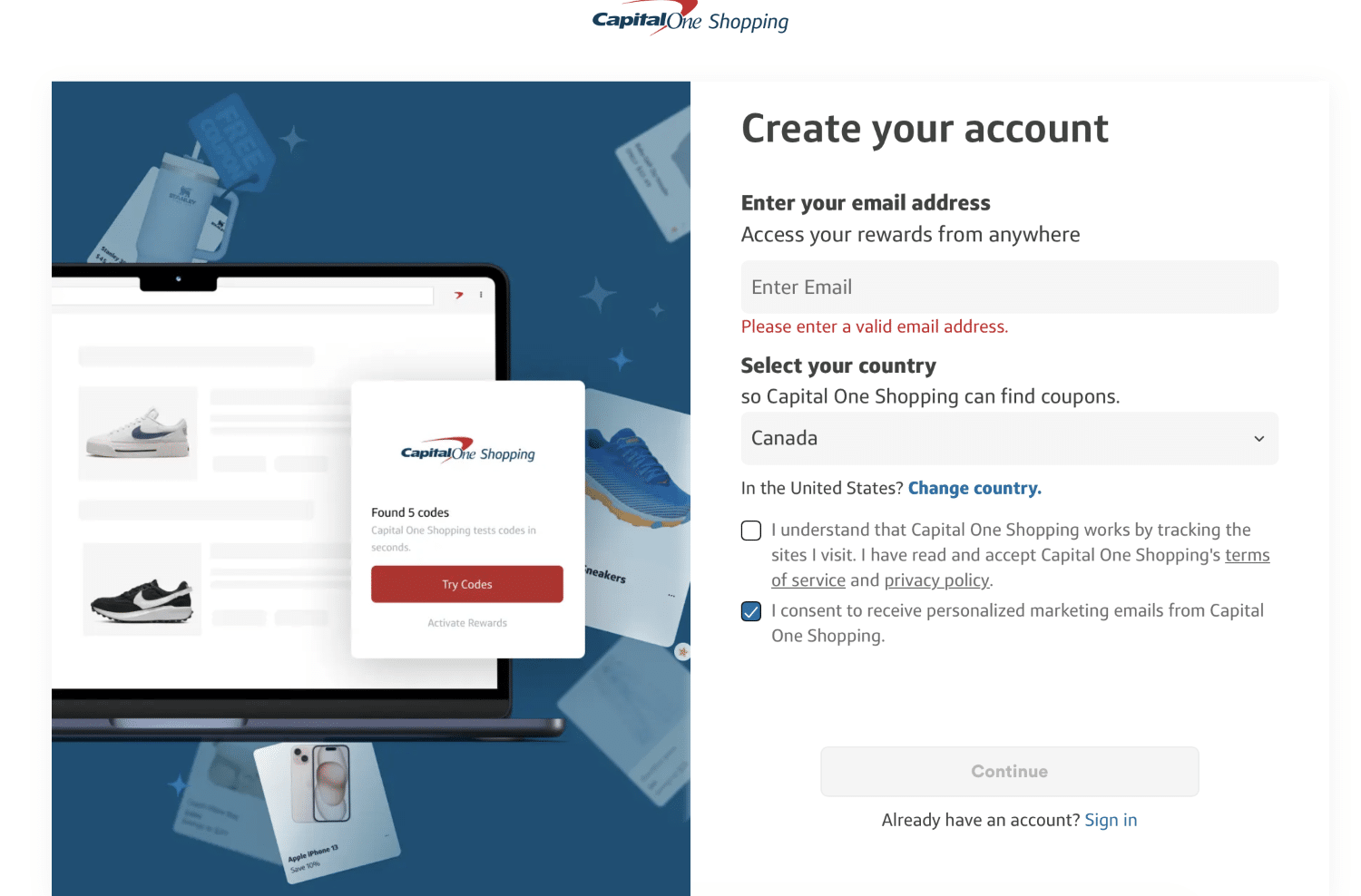
Once you log in after making an account, you will actually see a pop-up prompting you to download the Capital One Shopping extension. We highly recommend you do this, as this is how we will unlock amazing value from the platform.

Level 1: Using the Capital One Shopping Website
The first way to use Capital One Shopping is to scroll on their site to look for a retailer where you want to buy something. Each retailer will have their unique earning rates, and retailers as well as the earning rates are subject to change whenever the portal wants.
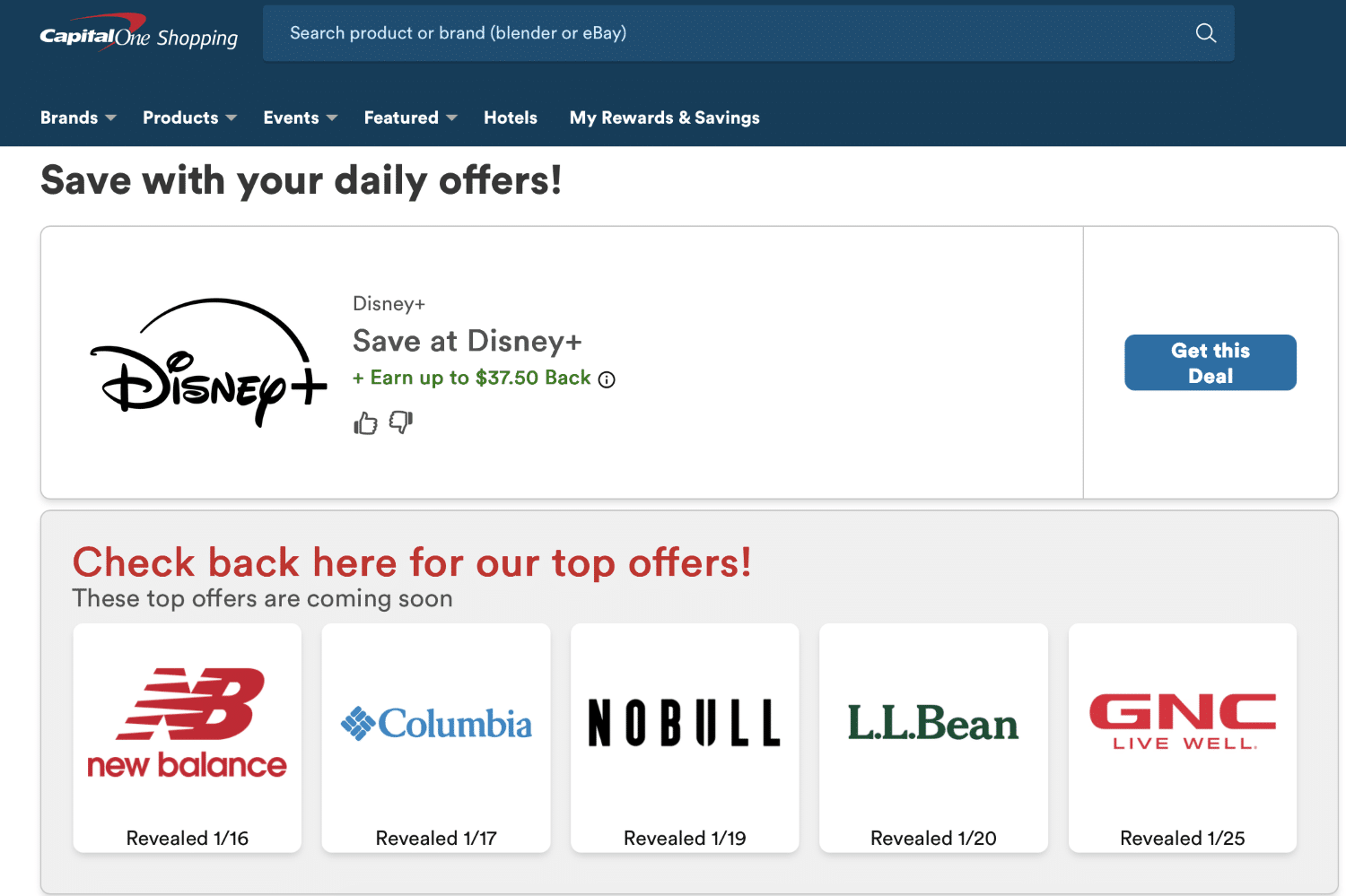
Let’s say I want to buy something at NOBULL, a well-known brand in the CrossFit space. All I have to do is click on their logo, and I will be redirected right to NOBULL’s site. From there, I will simply buy what I want, check out, and my purchase will be tracked by Capital One Shopping. I will then earn a percentage of the amount I spent.

The site will also promote any major discounts or online coupons that they find or are offering in partnership with brands or significant price drops. Sometimes these will be a great deal!
This is “Level 1” of using Capital One Shopping.
Level 2: Surfing the Web with the Browser Extension
The power of Capital One Shopping comes from the free browser extension that tracks the sites that you visit. Creepy, I know, but hear me out! The extension is going to use your browsing habits to tailor increased return offers to you.
For example, if I visit Hilton’s website, the Capital One Shopping extension will automatically know.
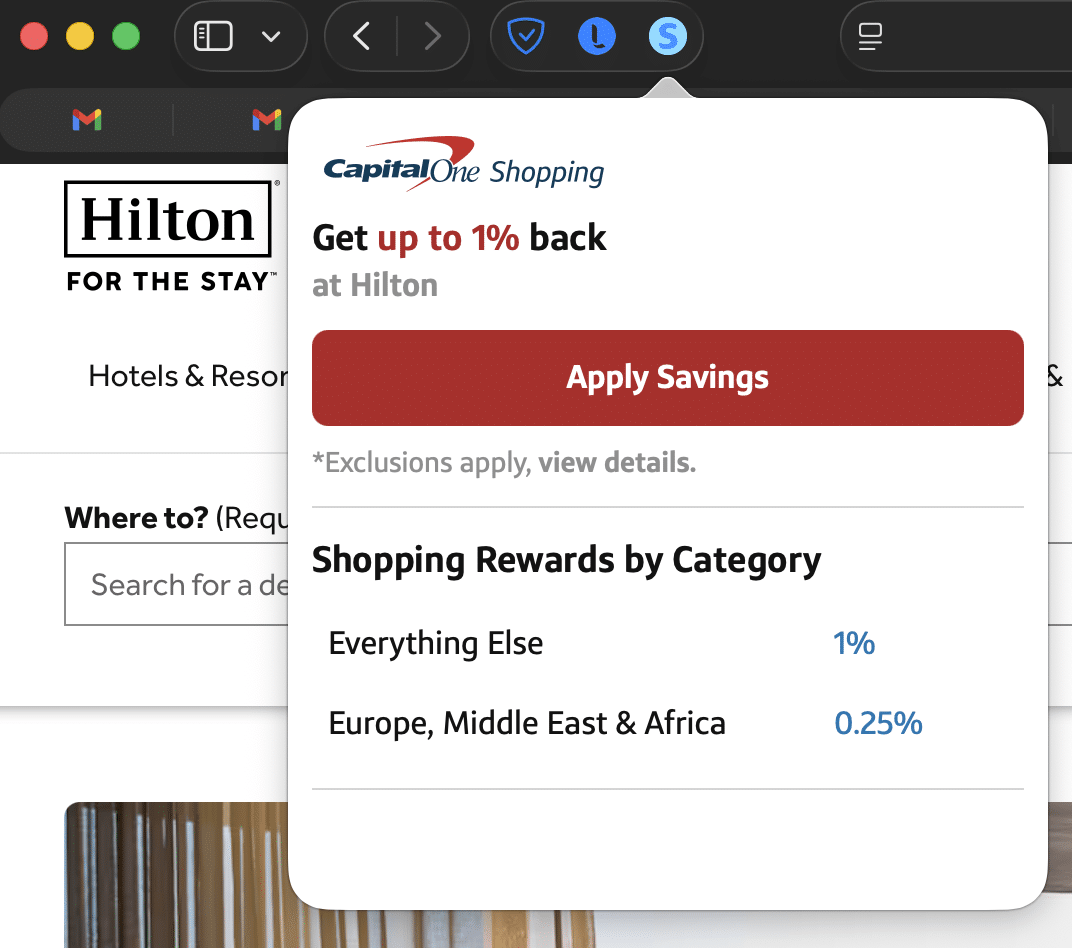
As of writing this article, Capital One Shopping is offering me 1% at Hilton, which isn’t all that much, and it is not going to move the needle for me. However, the more time I spend clicking through the site or even adding an expensive cash stay to my cart, the more likely that, in a few days, I will get an email from Capital One Shopping offering me WAY more than 1% return on any spend at Hilton!
As an aside, there is also a Capital One Shopping mobile app worth downloading if you make purchases on your phone.
That’s it! It’s as easy as going to sites that you were going to visit anyway, clicking around, pricing potential purchases, and waiting for an email that tells you an elevated offer is available!
Redeeming Capital One Shopping Rewards
Under the “My Rewards and Savings” tab, you will see your lifetime earnings for your Capital One Shopping account as well as the rewards you are eligible to redeem.
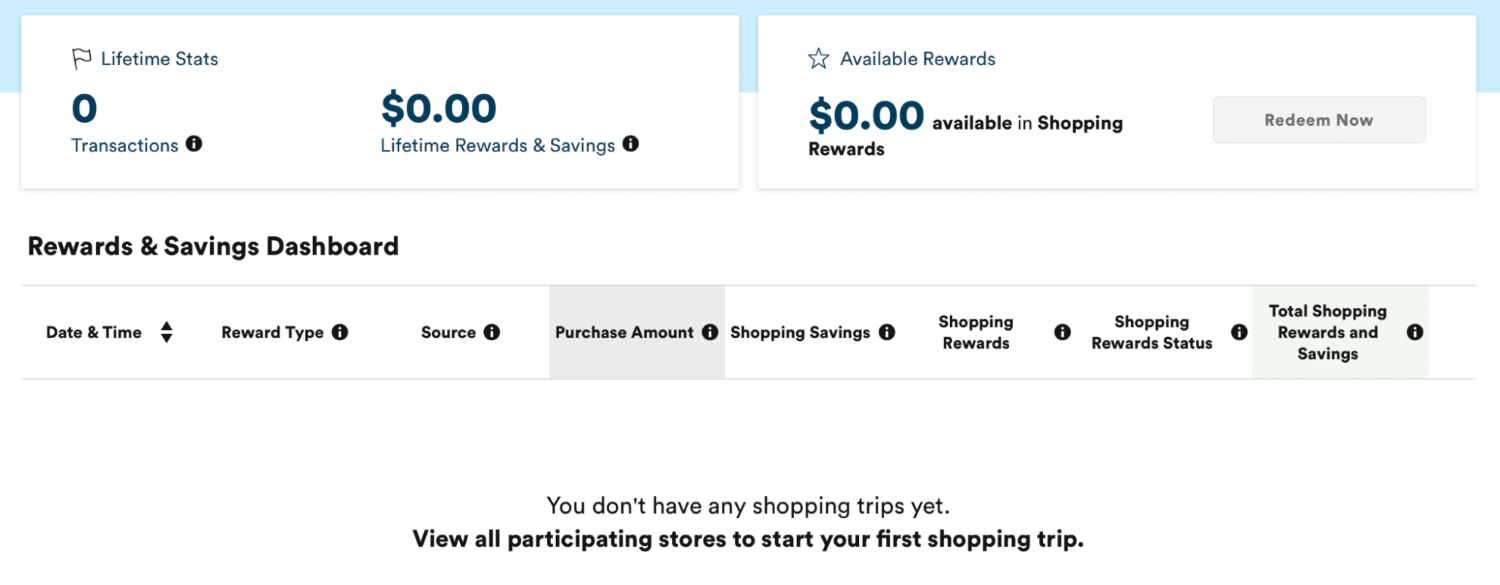
The important note is that you can’t redeem these for cash like you can with Rakuten. Instead, these act more like credits that you use towards e-gift card redemptions. Gift card selections can change from time to time!

If you are using the US Capital One Shopping, you will only be able to redeem for US gift cards. However, there are certain gift cards that can be used in Canada even if they are based in USD.
As of this article, these include Gap, Athleta, Old Navy, PlayStation, Meta, and Lululemon. If you are able to find a hotel gift card available, like Best Western right now, even better, because you can redeem that worldwide!
Stacking & Big Wins With Capital One Shopping
As you can see, using the portal is relatively easy and doesn’t take much work on the end-user’s part. So now the question is, how can we maximize our return on spending with this strategy? The key to big wins with Capital One Shopping is through stacking rewards.
I’ll be honest: I am relatively inexperienced at stacking with Capital One Shopping. I do most of my stacking through the Aeroplan eStore and Rakuten. However, after I heard of our very own Danny Burkett’s win from Capital One Shopping, I was immediately captivated.
After scrolling Hilton’s site, adding a few stays to his “shopping cart” and then walking away, he was targeted for 30% cash back at Hilton DoubleTree hotels. He then stacked that with a double points promotion from the Hilton Honors program and paid with a Hilton co-branded credit card to maximize the return on his spending even more. At the end of the day, he yielded 30% cash back (in the form of gift cards) and a good haul of Hilton points (valued at 0.7 CAD CPP).
Check out our podcast episode about stacking credit cards and shopping portals to learn more about the art of stacking and get some tangible examples of how rewarding this habit can be!
Conclusion
By signing up for a Capital One Shopping account, downloading a browser extension, and going about your scrolling, surfing, and online shopping as you normally do, you can unlock opportunities to get amazing returns on your spending.
Capital One Shopping isn’t the only portal out there! Check out our definitive guides on Rakuten and the Aeroplan eStore to learn about two of our favourites!

Quentin Tsang
Latest posts by Quentin Tsang (see all)
- Triangle Rewards & WestJet Rewards Partnership: What You Need To Know - Oct 19, 2026
- Making Points & Miles Work For Your Next Road Trip - Sep 18, 2026
- PorterReserve Certificates: Everything You Need To Know - Aug 31, 2026
- How To Turn Your Canadian Bank Points Into Loyalty Program Points - Jul 17, 2026
- Airline Companion Vouchers in Canada: Everything You Need To Know - Jul 3, 2026