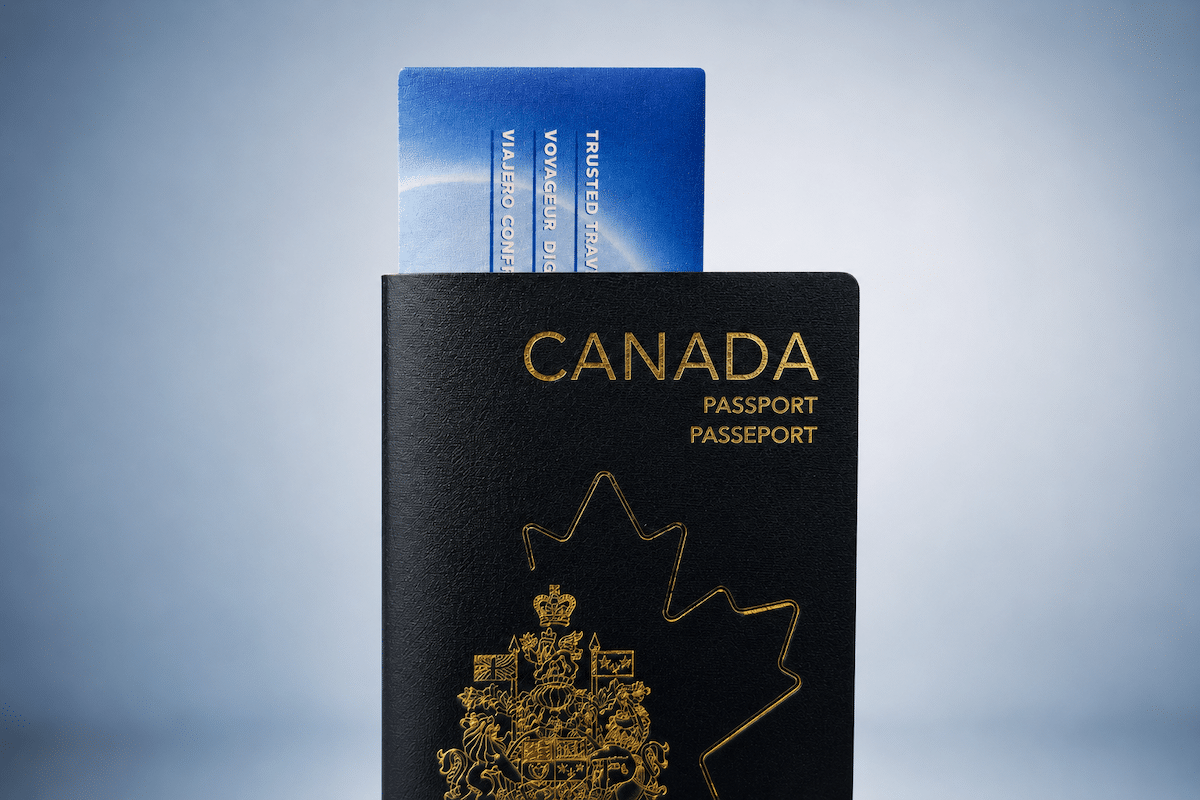
I recently renewed my Canadian passport, and with that, I also went through the process of updating my passport details tied to my NEXUS membership on both sides of the border. As a NEXUS member, you always want to ensure that the information tied to your membership is current to avoid any issues at the border.
With that in mind, when you receive a new passport, you need to update your new passport details, including passport number, date of issuance, and date of expiry, with both U.S. Customs & Border Patrol and the Canada Border Services Agency.
These updates require two separate workflows, so let’s get into how you can update your passport details with both.
How To Update NEXUS Passport Details With U.S. Customs & Border Patrol
Updating your NEXUS membership with your new passport details is very easy and entirely self-serve when completing the update with U.S. Customs & Border Patrol.
NEXUS cardholders can log into the Trusted Traveler Portal and click “Update Documents” on the right-hand sidebar menu once logged in.
You’ll then land on a page that has information surrounding any documents and information you have previously provided. For example, when I’m on the “Update Documents” page, I have a section for passport information and a section for driver’s license information.
Locate the “Passport” section and click on “Edit” to update your passport details with the new number, date of issue, and expiration date.
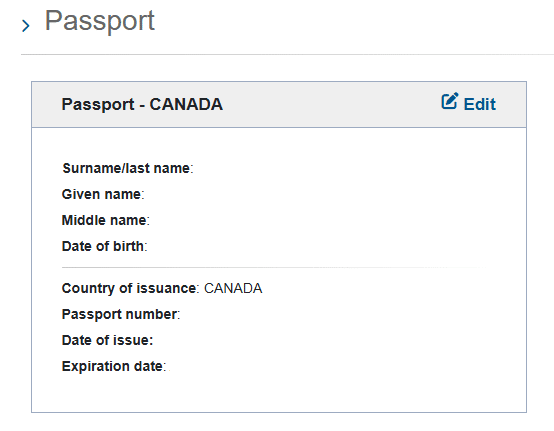
Once you’ve made the updates and submitted the form, the changes will take effect immediately.
How To Update NEXUS Passport Details With Canada Border Services Agency (CBSA)
Updating your NEXUS membership with new passport details with the Canada Border Services Agency is also pretty straightforward, but it is not self-serve, and it involves a bit of a waiting period to have the updates completed.
To get the process started, you’ll want to navigate to the CBSA contact form and submit an inquiry for “Personal Travel”, and provide comments as to how you are looking to update your passport details that are attached to your NEXUS membership.
Roughly one to two weeks after filling out the contact form, I received an email from CBSA containing the following instructions:
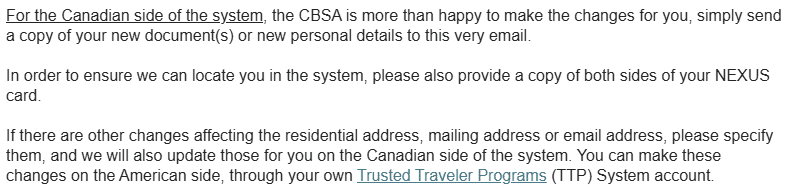
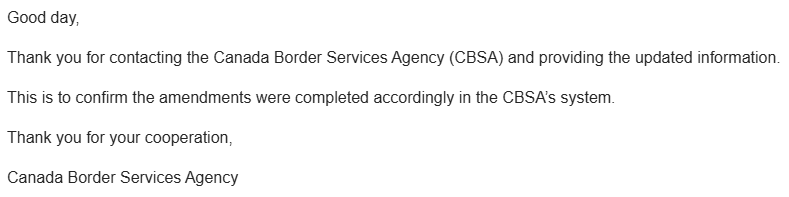
Upon receiving this email, I sent back a scan of both sides of my NEXUS card and my new passport. Two weeks later, I received the following email, stating that the updates were completed:
While I do wish that it were possible to self-serve the update with CBSA as it is with the U.S. side, it’s only minorly an inconvenience, mostly for the roughly one-month time period that it takes to complete the whole process. You could also book an appointment at an in-person enrolment center to have this information updated if urgent, but for most, email will work just fine.
Conclusion
If you have to renew your passport soon and you are a NEXUS member, keep these processes in mind once you receive your new passport. Neither of the update processes is particularly burdensome, but remember that you do need to update both agencies with information independently, as they do not transmit information updates between them.

Josh Bandura
Latest posts by Josh Bandura (see all)
- Scotia Momentum Visa Infinite + Card Review - Oct 15, 2026
- Review: KLM Business Class (A330-300) - Oct 7, 2026
- American Express Aeroplan Reserve Cards: Changes Inbound - Sep 29, 2026
- New Tangerine Credit Card Offers – Up to 60,000 Scene+ Points! - Sep 25, 2026
- WestJet Points: Variance In Redemption Value - Sep 21, 2026